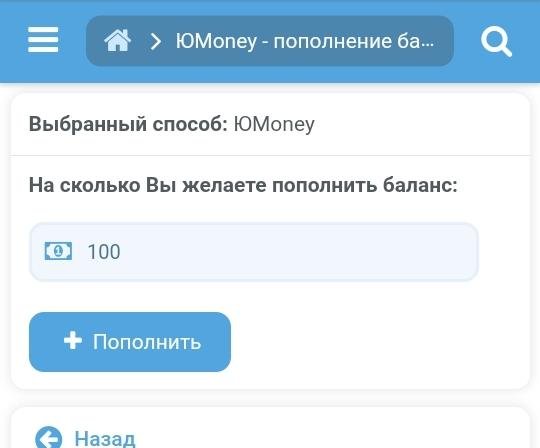
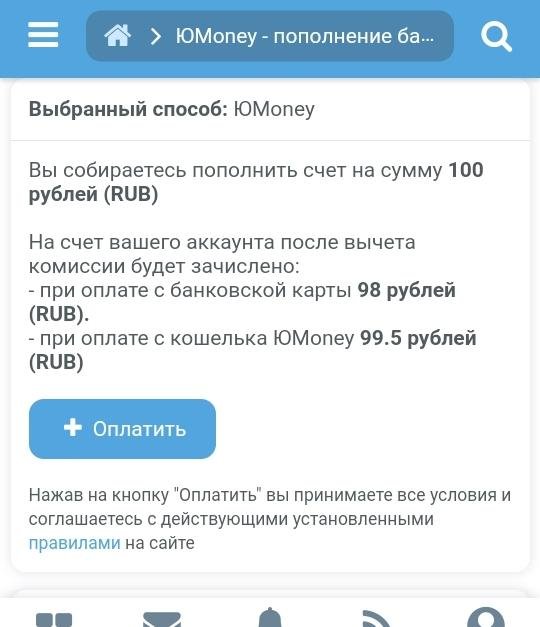
Top up your account via YuMoney 1.1
Installation: Go to the control panel, open the Alpha installer, upload the archive downloaded after purchase, and install.
The module is suitable for everyone, including individuals. It is suitable for any project. Connect and start accepting payments on your website within 3 minutes of installation!
VISA, MasterCard, UnionPay, MIR cards, and YuMoney wallets are accepted.
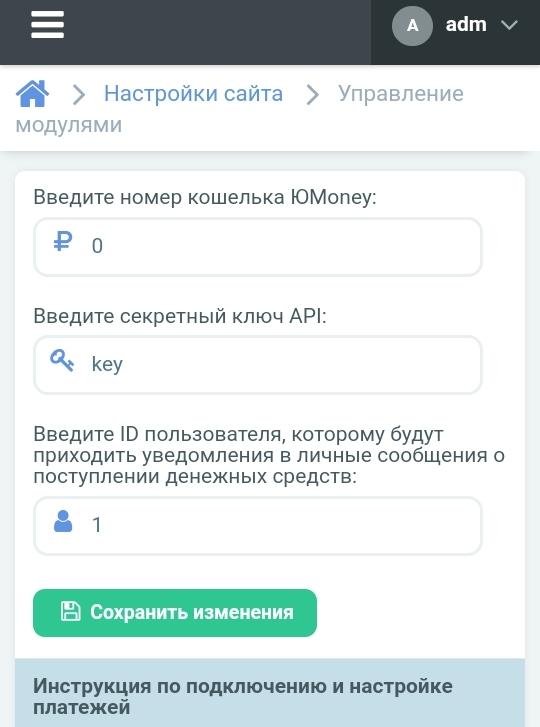
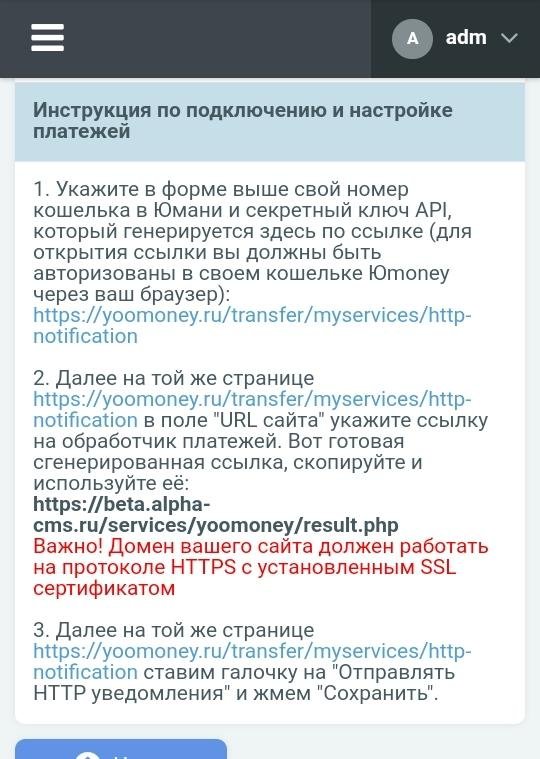
After installation, go to the control panel > site settings > module management > Accept payments via YuMoney and configure the connection of your wallet to accept automatic payments.
The website creator receives emails about who has topped up their account and by how much.
Detailed instructions for connecting payments are available in the module settings.
You can disable the module through the control panel.
Update 09/29/2023
The module has been updated to version 1.9.1 and higher. Payment receipts are now recorded in the history of monetary transactions in the service store. You can now specify the user ID in the module management to receive notifications about funds being deposited into the wallet. Overall, the code quality has been improved in all files. (!!!) It is necessary to re-specify the data in the module settings after reinstallation.
To download files you need to log in!